Have your exact device model, operating system version and existing service name ready. A television’s brand alone does not establish compatibility: models from the same brand can run different operating systems.
ChitramTV on Fire TV Stick
Find the model and software version in your device settings and send them to support before ordering. Ask which app and subscription match that model, then follow the Fire TV instructions above. If an installation option is missing, ask support about your model instead of using instructions for a different generation.
ChitramTV on Android TV and Smart TVs
Confirm the television or streaming box runs a supported operating system and that the correct app is available for it. Follow the Android & Smart TV instructions above after compatibility is confirmed. When renewing, select the service attached to your account rather than assuming every Android device uses an Android renewal.
Installed the app but cannot watch?
Note the exact error message and whether it affects signing in, a single channel or all playback. Send support your model, app version, country and order reference if available. Do not include passwords. For playback interruptions, start with our buffering and freezing checks.
Open a supported channel’s programme guide in ChitramTV, choose an earlier programme and select catch-up playback where available. Programme availability varies by channel.
Check whether the issue affects one channel or every channel. Restart the app and your streaming device, then check whether other services on the same connection are also slow. If possible, try a wired connection or move closer to the Wi-Fi router.
If the issue continues, contact support with your country, device model, app version, affected channel and the time it happened. Do not share passwords in the enquiry. Our team can help distinguish a local connection problem from a channel or service issue.
ChitramTV offers Indian IPTV for Europe, connecting Indian and Sri Lankan Tamil communities with regional live TV, films and series.
How does the €7.99 offer work?
The €7.99 offer is a one-month subscription arranged through WhatsApp support. Contact our team to confirm your device, activate your subscription and get the current payment details.
Can I watch on Fire TV, Android TV or a Smart TV?
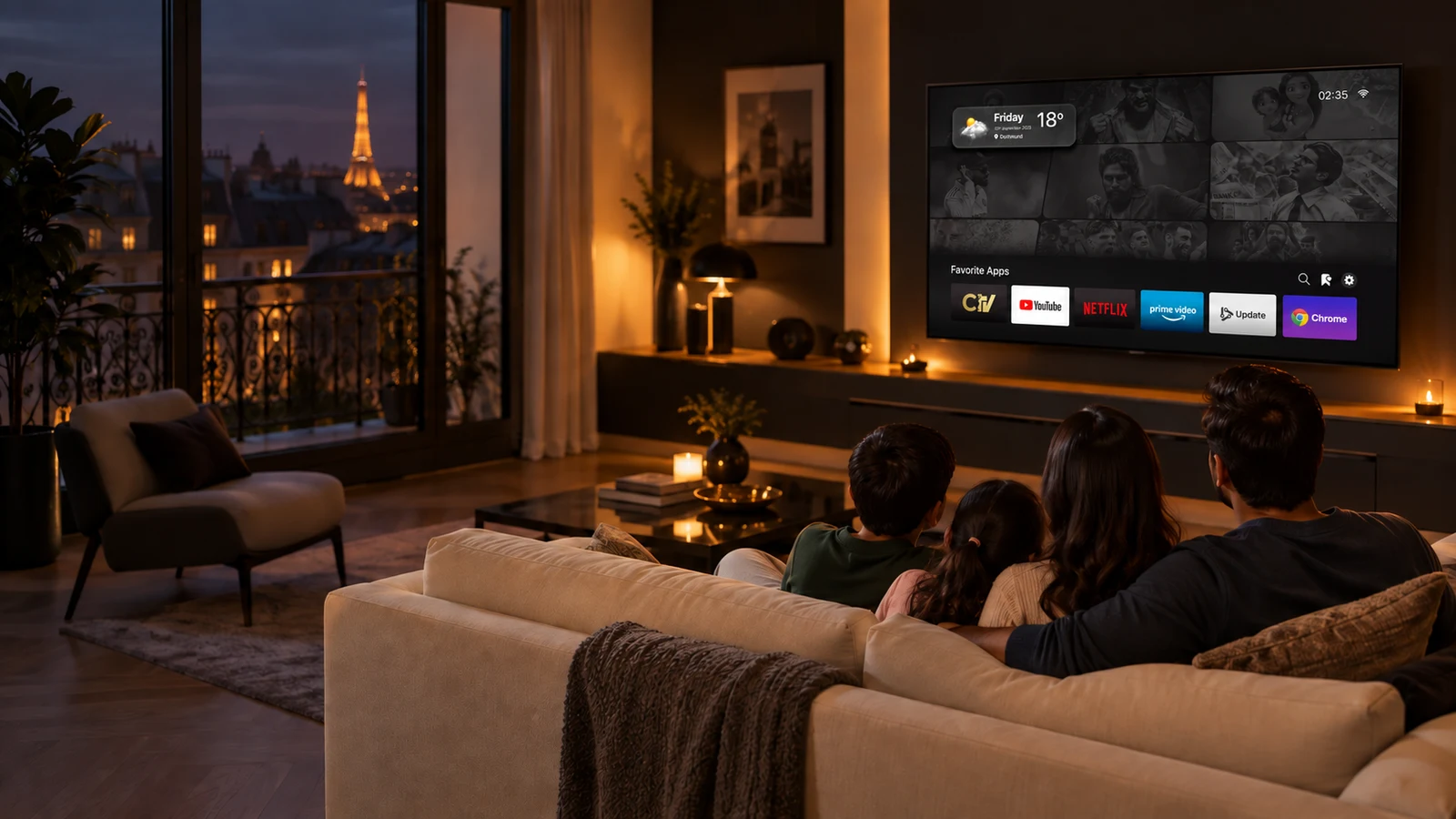
Device support depends on your model and operating system. Use our setup guide for Fire TV Stick, Android and compatible Smart TVs, or contact support to check your device before ordering.
What is 14-day catch-up?
Catch-up lets you revisit supported programmes from the previous 14 days. Availability depends on the channel and programme.
How do I renew ChitramTV in Europe?
Buy the ChitramTV or Android renewal package that matches your existing service through our website. You will receive the renewal subscription within 15 minutes of the order confirmation.